Documentation
Step-by-Step Guide
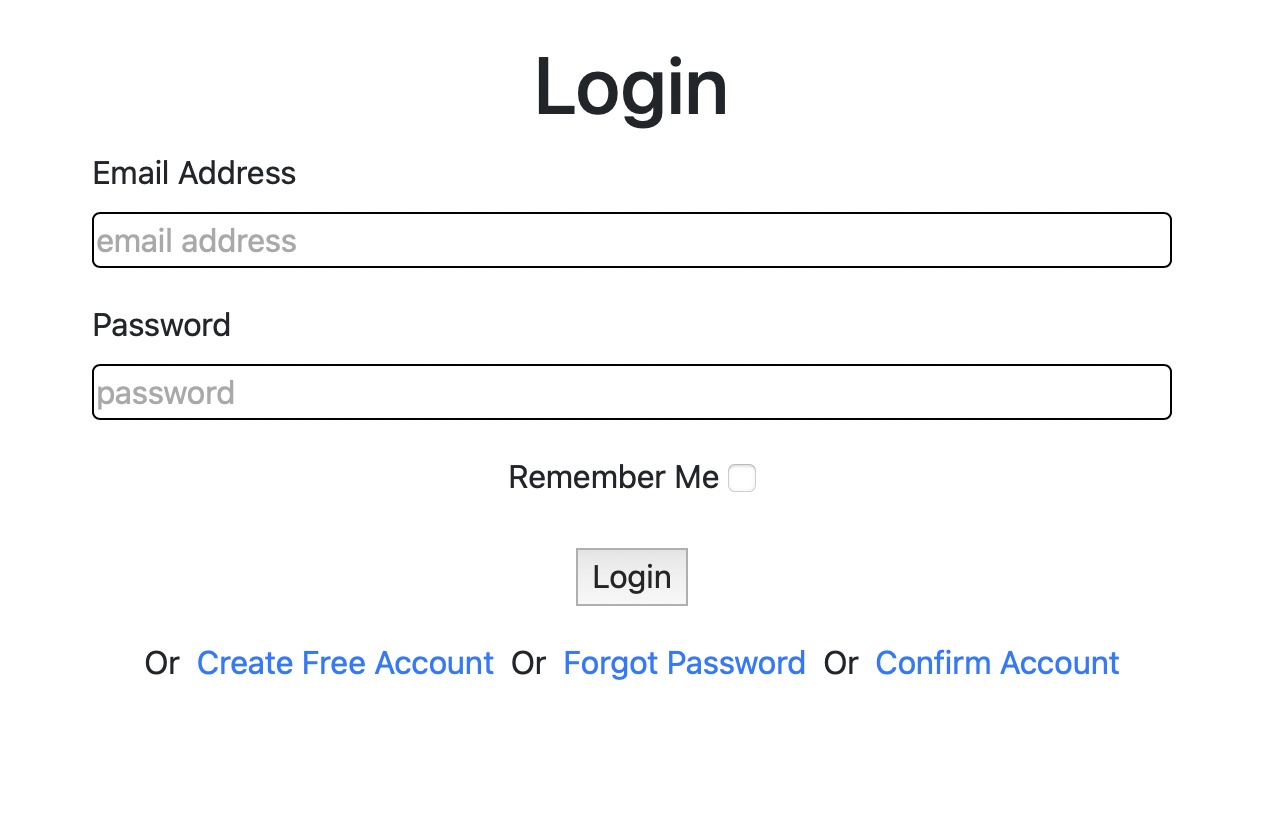
Use your Domain Watch credentials to sign in. New here? Create an account. Forgot your password? Click Password Reset.
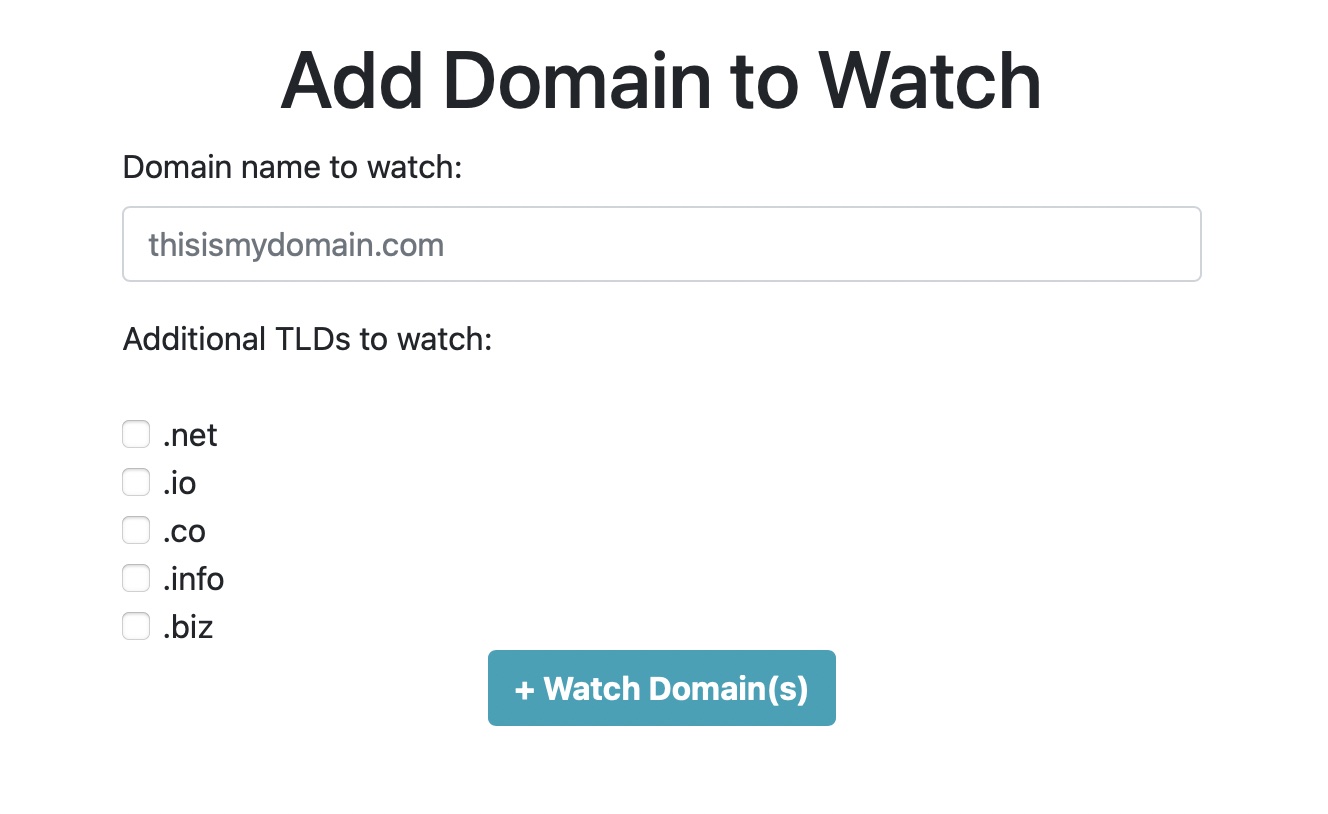
After signing in, enter the domain name and TLDs you want to track. For example, track domainwatch.co with all possible TLDs.
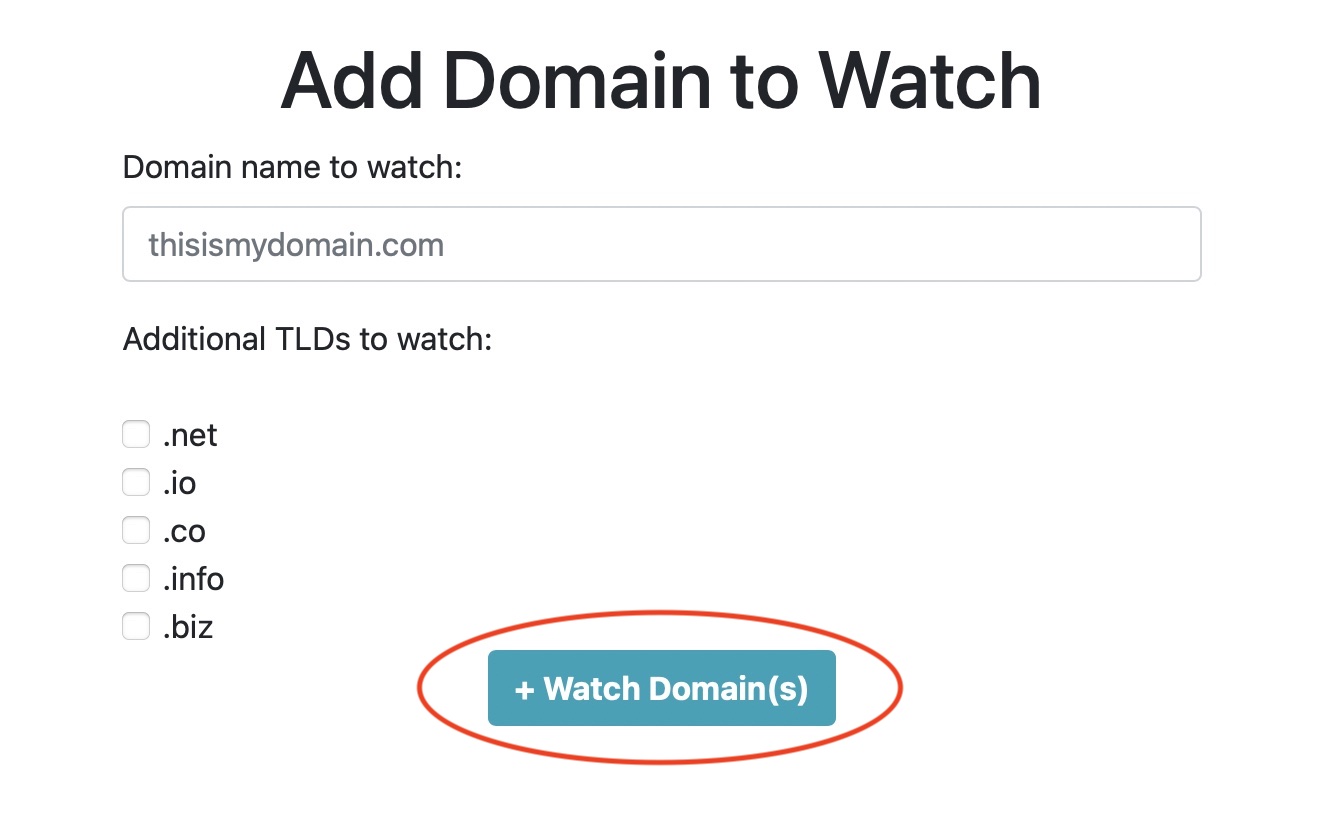
Click the Watch Domains button.
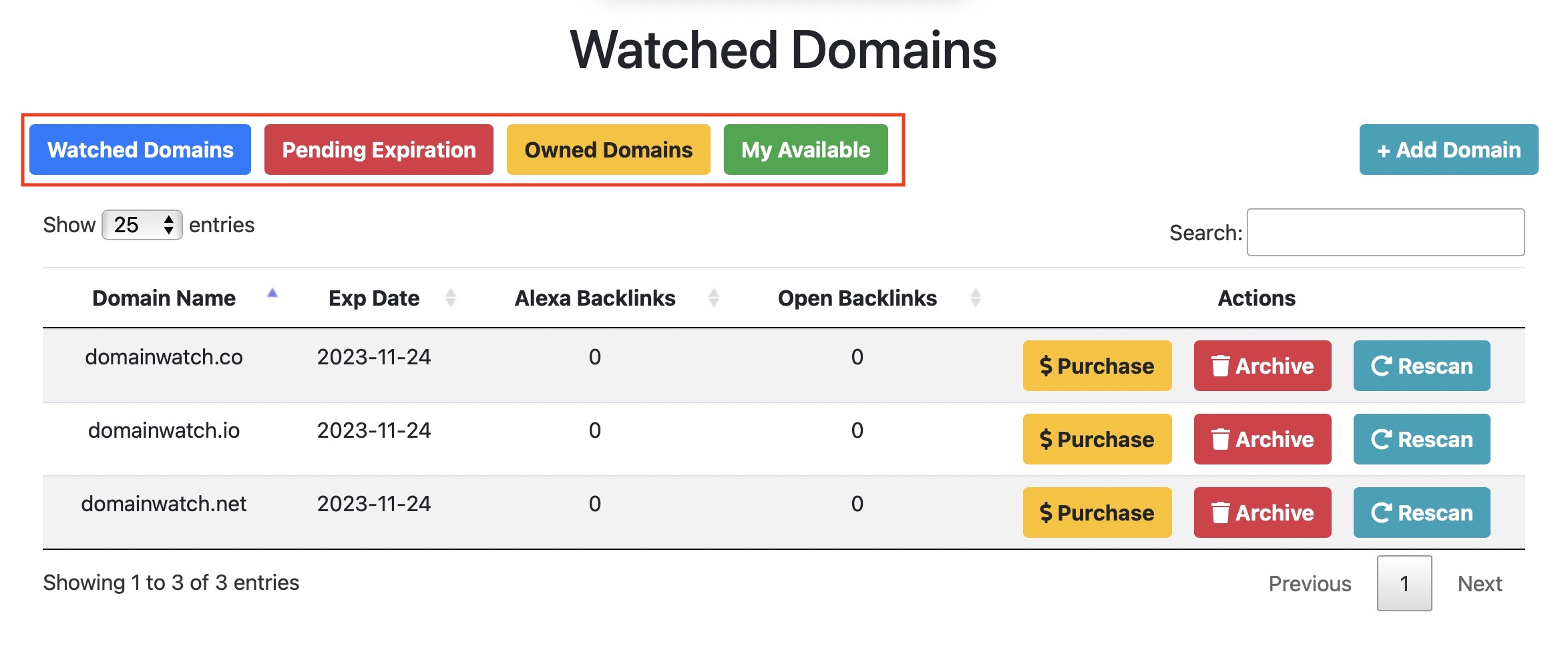
On the next screen, you'll see four navigation tabs in the upper-left corner.
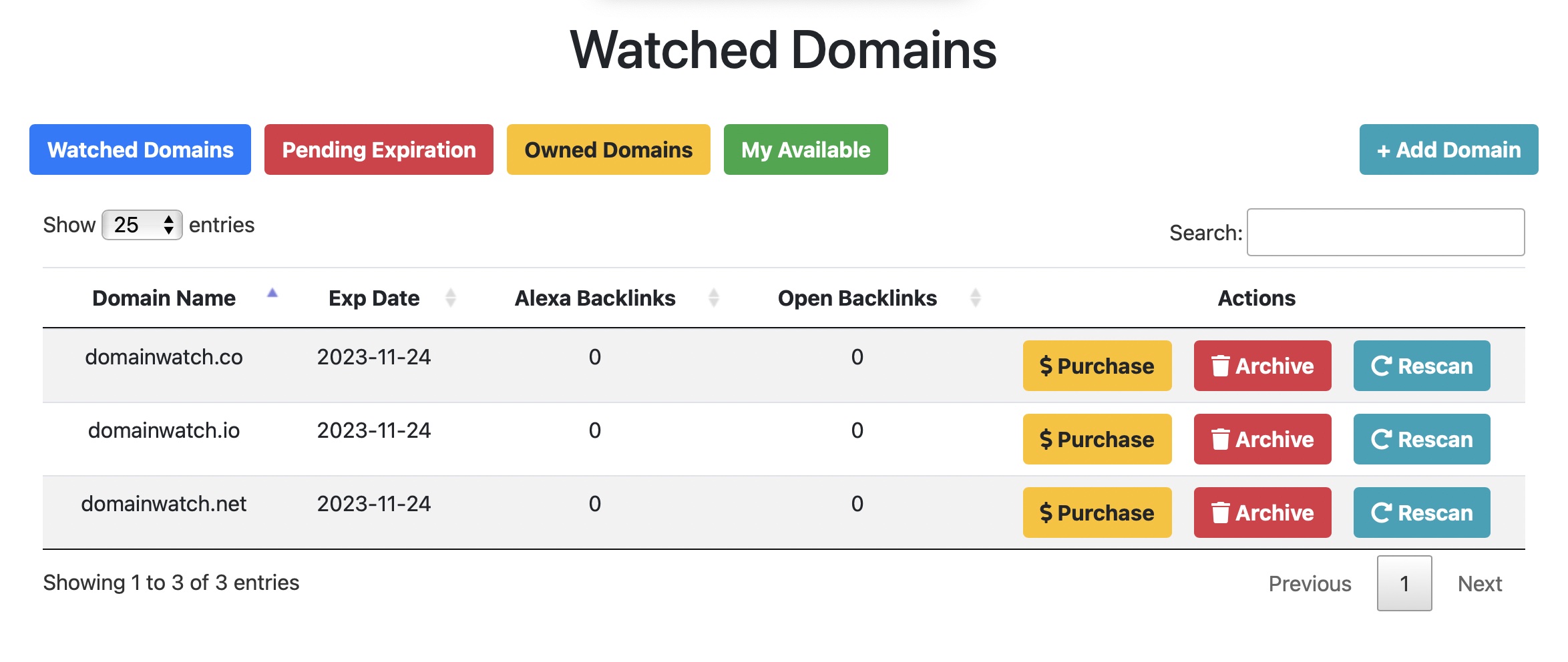
The watched domains list shows domain availability status.
The expiration date indicates when the domain registration will expire. If a domain is available, click Purchase to register it.
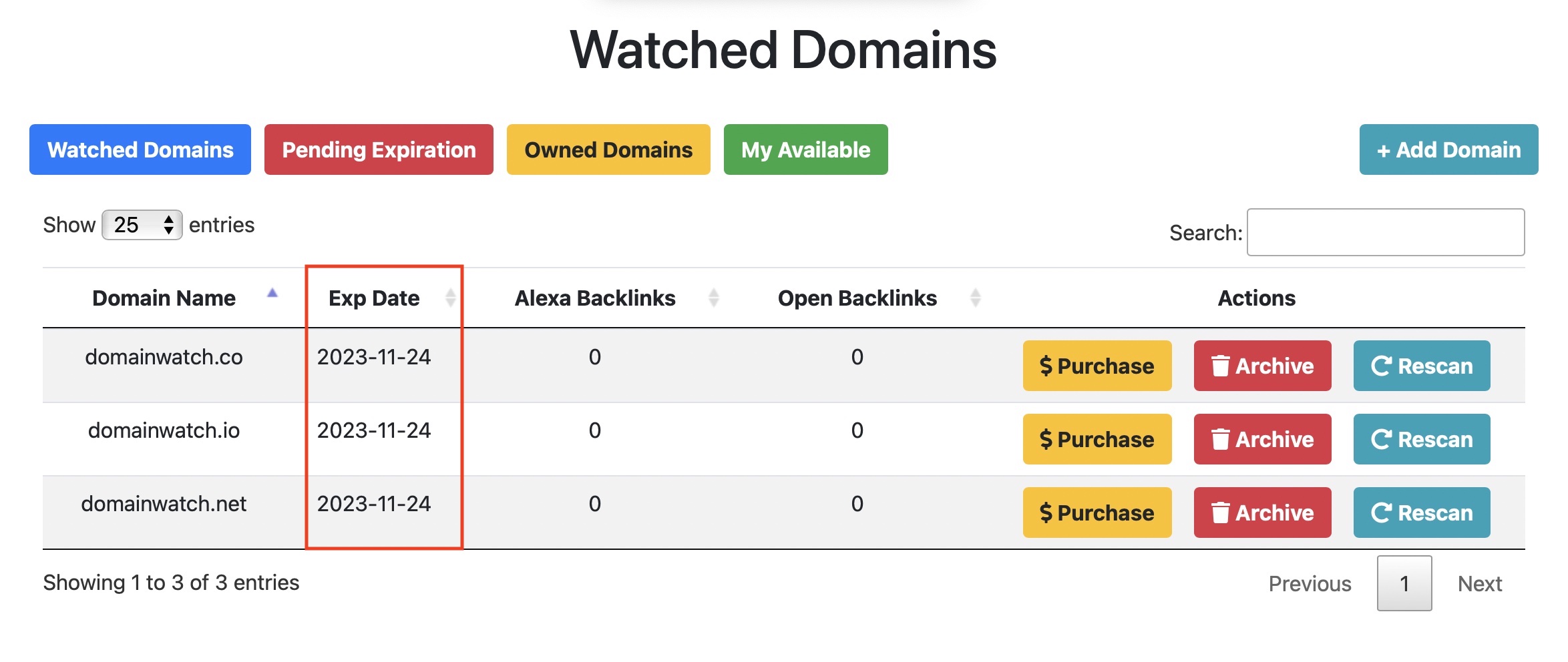
Use the navigation tabs to filter your results.
Watched Domains: View all watched domains.
Pending Expiration: Expired domains not yet available for purchase.
Owned Domains: Domains you've purchased.
My Available: Domains available for purchase.